Scrollywood
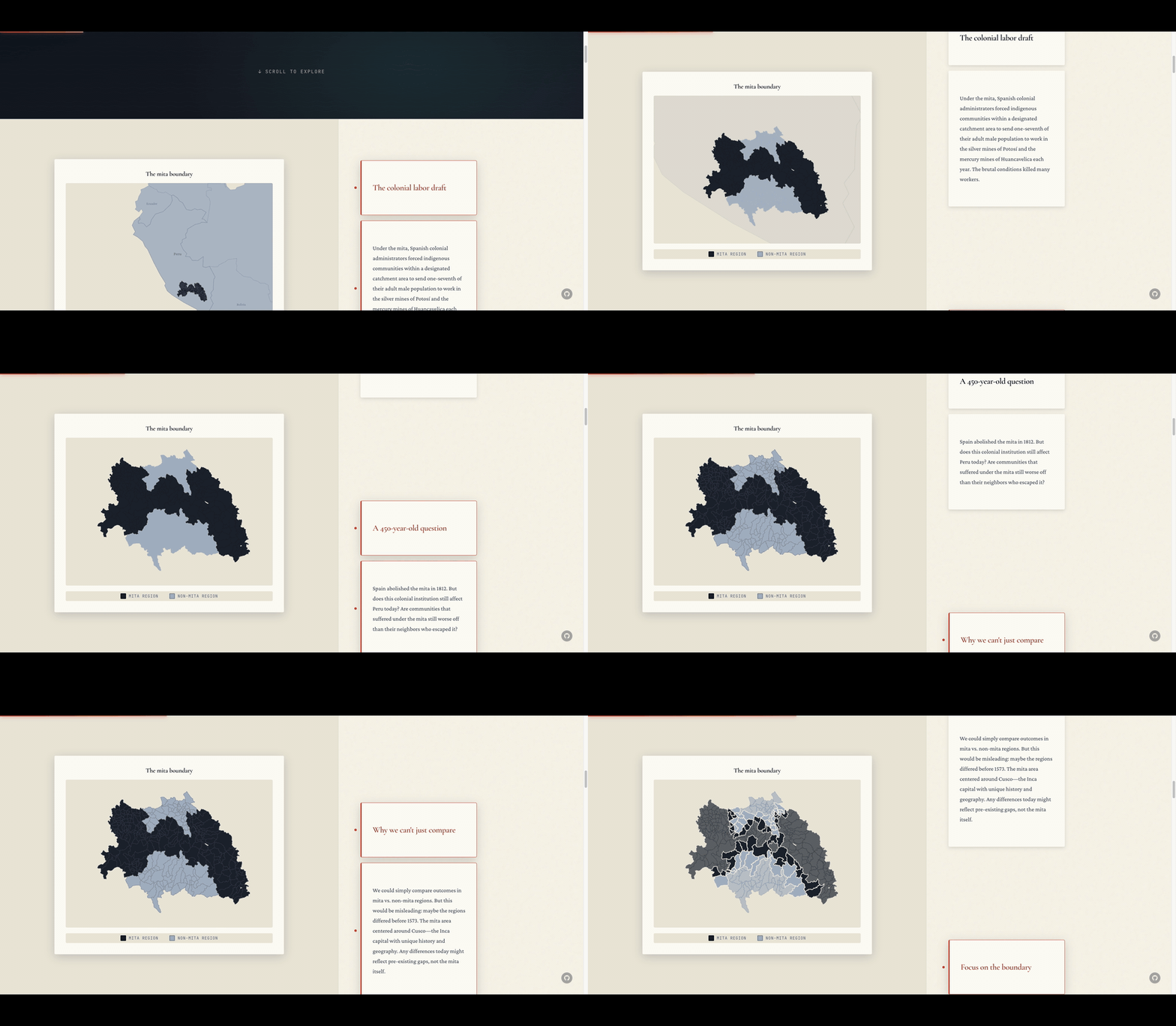
Chrome extension that records smooth scroll captures of any webpage. Export as WebM, MP4, or GIF.
Features
One-click recording
Choose a duration and format, then start recording. The page eases into a smooth scroll while capture runs at 30-60fps.
Scrollytelling support
Smooth linear scrolling triggers IntersectionObserver naturally, so scrollytelling animations play perfectly.
Iframe-aware
Handles iframe-wrapped pages automatically, scrolling the inner frame when the outer frame is just a wrapper.
Smart overflow detection
Finds scrollable content even when pages use overflow:hidden, custom scroll containers, or non-standard layouts.
High quality output
Export WebM, MP4 when Chrome supports it, or GIF from the same capture flow.
Stop anytime
Reopen the popup during recording to stop early. Auto-stops when scrolling completes.
Installation
Download
Download the latest ZIP from the link above and unzip it
Load in Chrome
Go to chrome://extensions, enable Developer Mode, and click "Load unpacked"
Record
Navigate to any page, click the Scrollywood icon, choose your duration and format, and start recording
How it works
Scrollywood uses Chrome's tabCapture API to record the visible tab while programmatically scrolling the page at 60fps. The scroll is smooth and linear, which naturally triggers scroll-based animations (IntersectionObserver, scrollama, GSAP ScrollTrigger) just like manual scrolling would.
Capture runs through Chrome's MediaRecorder path for WebM and MP4 when available, and the offscreen document can also export a GIF from the same take.
The extension uses Manifest V3's offscreen document pattern: the service worker orchestrates capture and scroll injection, while an offscreen document provides the DOM context needed for MediaRecorder and GIF assembly. This architecture lets it record arbitrarily long pages without the 30-second service worker timeout limitation.
Requirements
- Google Chrome (Manifest V3)
- Keep the tab active/focused during recording